Thomas Leisner

About Beauty and Bright Ideas
November 4th, 2012

TouchOSC Oxygen 8 Emulation

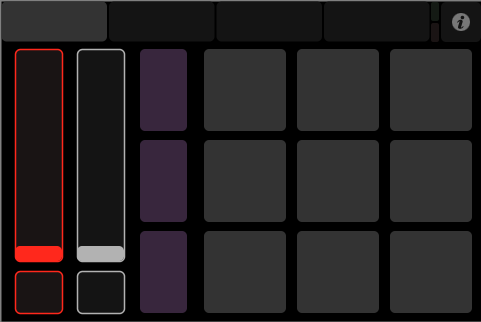
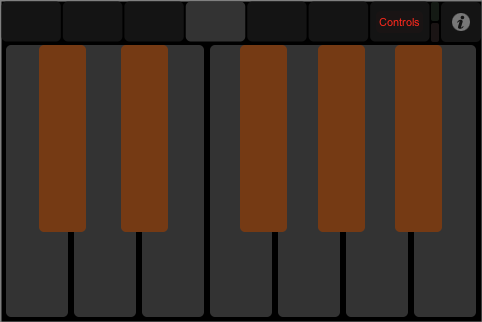
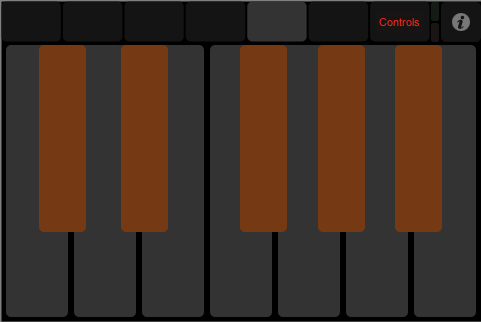
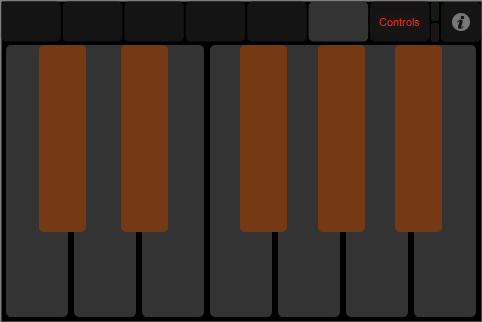
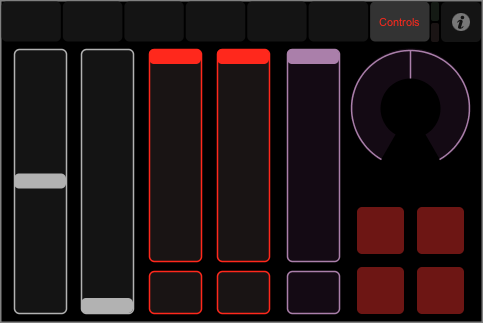
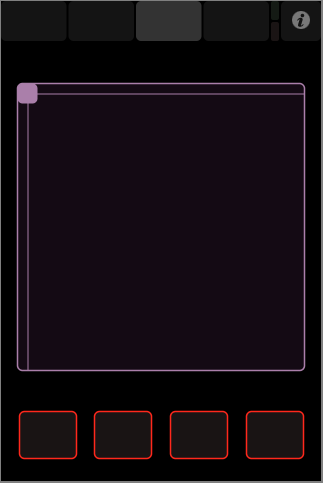
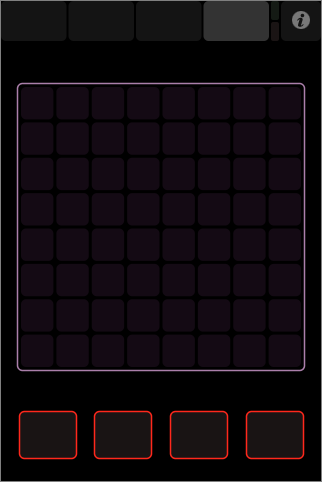
The attached file is for TouchOSC, the touchscreen control surface app for your mobile device. It emulates the functionality of the famous “Oxygen 8″ keyboard when used together with Ableton Live.

The Oxygen 8 is a small Midi controller keyboard with a keyrange of two octaves and eight rotary knobs for controlling parameters in your audio software. It became popular as one of the first compact mobile studio solutions when everybody started to produce music on the go with a laptop. As one of the first devices of it’s kind, it offered power supply through the computer’s USB port.

oxygen8

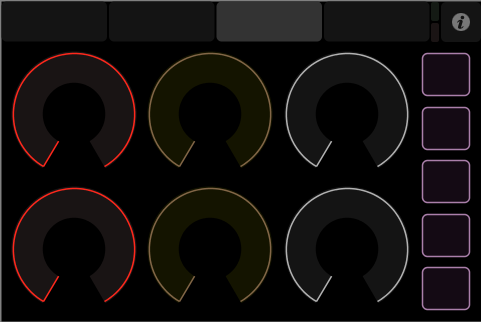
This simple emulation has the Oxygen’s eight knobs. This fact in itself isn’t very impressive, but if you use it with Ableton Live and in Preferences/Midi you select “Oxygen 8″ as a control unit, these eight knobs will be automatically mapped to the “Best Of Parameters” set of parameters predefined by Ableton for every device. So without any manual mapping you will have access to the most important functions of this software.

As a bonus the TouchOSC system is not only smaller and more light-weight than the original keyboard, but it has TouchOSC’s relative mode enabled, which means that you won’t have any parameter jumps when switching between devices and touching the knobs. And if you are missing the keys: Well, you may of course add them into some other tabs in the layout. Simply refer to my version of the “Keys” standard layout and copy and paste it to the Oxygen 8 layout.

Download Download TouchOSC Oxygen 8 for iPod


October 3rd, 2012

TouchOSC Design Mod

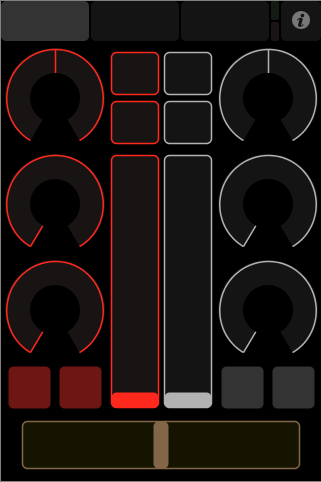
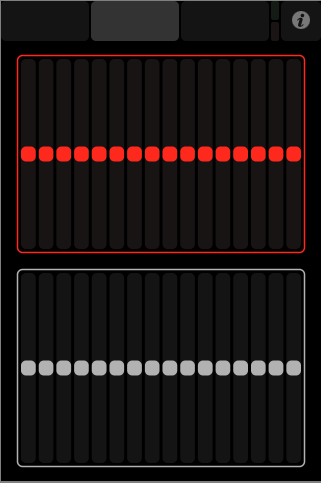
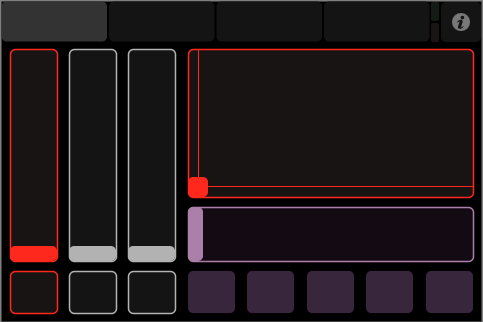
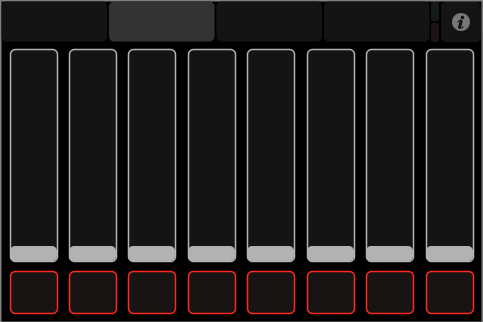
TouchOSC comes with a selection of useful controller layouts to choose from. They are pre-installed and can be used immediately. After modding the two big controllers for Ableton Live and Apple Logic, I also changed the colours for the various other basic controller layouts.

In case you’re wondering what TouchOSC might be, have a look at my introduction to TouchOSC. In case you already own TouchOSC you may simply download the attached collection of layouts I have modified, open the included files one by one in your TouchOSC Editor application and upload them to your device from there in order to use them.

The “Beatmachine” layout.

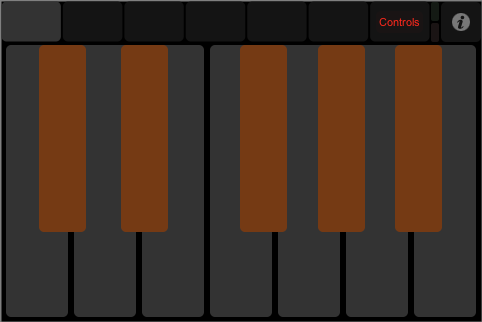
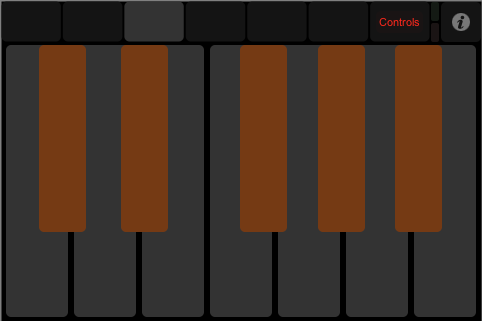
 The “Keys” layout. I have added some octaves.

 The “Mix 2″ layout.

 The “Mix 16″ layout.

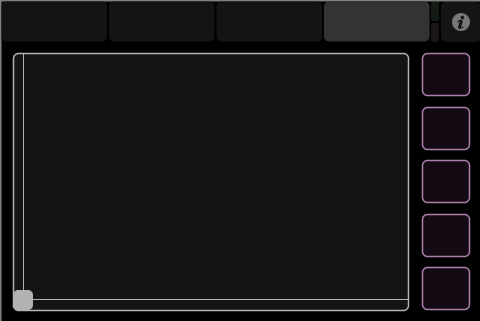
 The “Simple” layout.

Download Download Neutrum Design TouchOSC Mod for iPod

These colours are just my personal preferences, but in case you like them too, here they are. I only have the iPod versions here, as I only have an iPod. Please leave a comment in case you are interested in the iPad versions, they are easily and quickly done.


August 28th, 2012

Strange Fluid Magnet Video

With Strange Fluid we had a good time performing at Berlin’s Magnet Club last week, as you can see, or better hear, from this little quick and dirty bootleg video compilation:

Featured songs include Gabba, Fragile, Creep Through Lies, Prove Your Knowledge and Mighty’s Face, all taken from our new Album “Freak Licensed Unit IDentity“.


August 22nd, 2012

Strange Fluid Hybrid Kit

With my band Strange Fluid I play a hybrid drumkit for more than ten years now, as the mixture of electronic and acoustic sounds belongs to the concept of this band. The symmetry of this drumkit is based on my personal preferences.

The perfect symmetry of this setup means there is no preference of right or left. It allows me to play everything with my right or left hand or foot at any time. It helps me to get equal performance on both sides which always was my first goal in drumming. It also was part of the concept for Strange Fluid from the beginning, as it helps to play unusual combinations that occur when using electronic equipment.

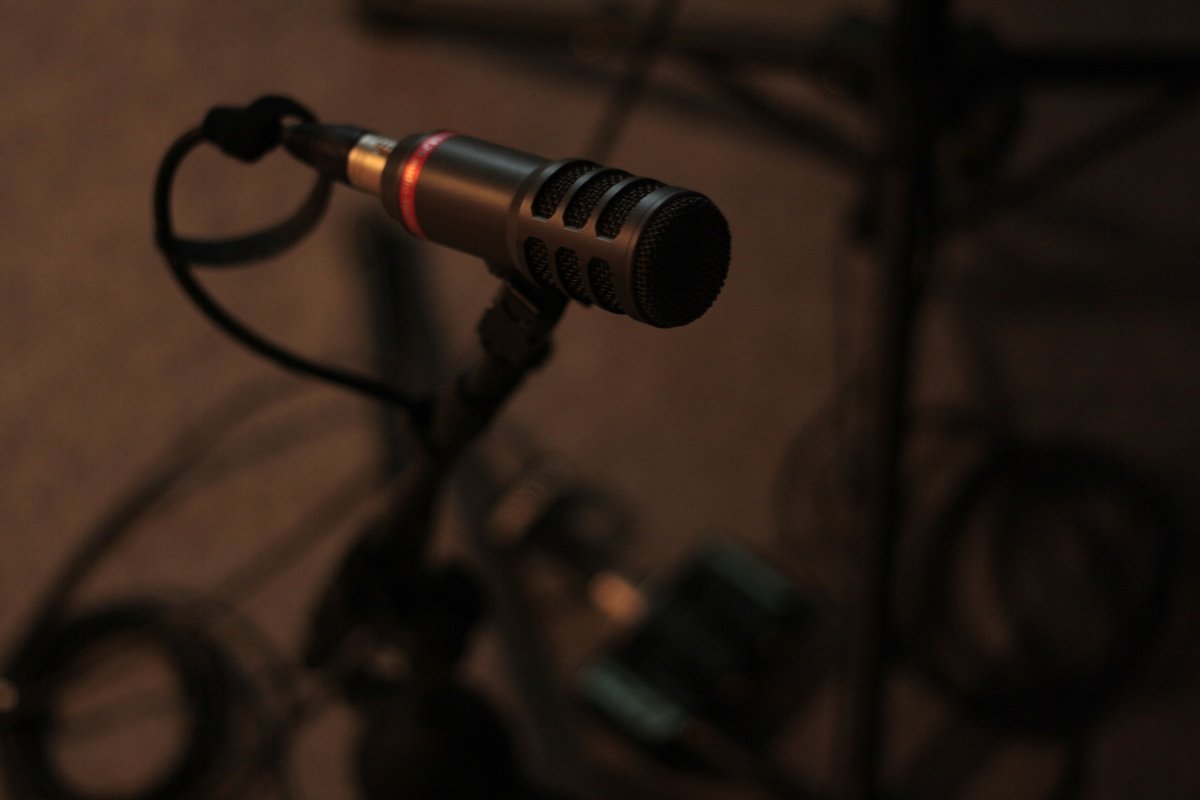
The electronic part on this latest update of the drumkit for our 2012 concerts is not quite obvious to see on these pictures. Of course the self-built pads on the outsides allow for playing samples. But the most interesting part is hidden in the acoustic instruments, the sound of which is beeing picked up by microphones and can be used as is.
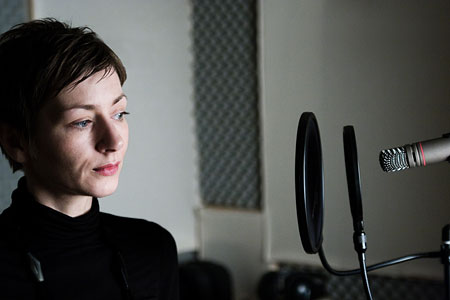
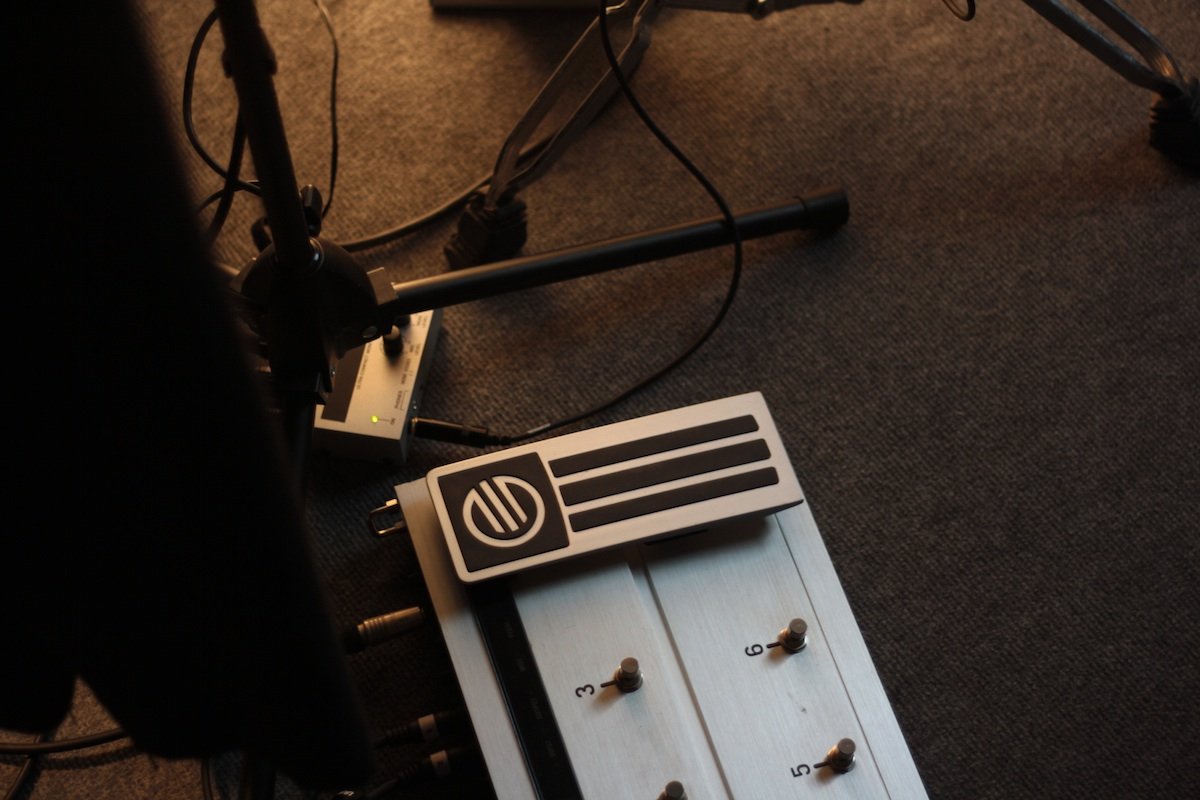
Using my self built Quadra Pad switch in the top middle of the set, I can now add up to two layers of samples onto the acoustic sound and spice up the whole thing by using time-based and colour-based effects, usually delay and distortion. The Quadra Pad controls the software on my laptop and indicates by red lights if a layer of effect is currently active.


July 12th, 2012

LogicTouch Design Mod

TouchOSC comes with two grown-up controller layouts, one for Ableton Live and the other for Apple Logic. These control surfaces interact with the application via MIDI remote scripts which allow for bidirectional communication and automapping of parameters to controller elements. The one for Logic is an officially supported control surface for Apple Logic and is called LogicTouch.

LogicTouch offers extensive control over many parameters of your Logic project, including functions for transport, automation, channel strip parameters, channel equalizer and effect parameters. The iPad version even allows for control over software instruments parameters on a separate page and for controlling sets of eight channels at once.

Given these facts it’s no surprise that it’s big fun and a great help to work with LogicTouch, and just as my Neutrum Design Mod for Logic makes Apple Logic look more elegant and clean, this Neutrum Design Mod for LogicTouch makes LogicTouch look like it was made for it.

The Neutrum Design Mod for Logic and how it relates to the modified design of LogicTouch.

Creating this design modification was relatively easy – and just so is installing it – because TouchOSC comes with an excellent editor for creating your personal controller layouts on your computer. TouchOSC Editor allows for changing the colours of interface elements and also for uploading your creations to your mobile device.

This means that after downloading Neutrum Design Mod for LogicTouch to your computer, you simply need to open the layout for your device in TouchOSC Editor and send it to your device in order to use it. You may overwrite the existing files and in case you want to return to the original layout you may get it back from the same place where you got TouchOSC Editor.

Download Download Neutrum Design LogicTouch Mod

July 2nd, 2012

LiveControl Design Mod

LiveControl is a MIDI Remote script that allows you to control Ableton Live directly from your iPad or iPod using TouchOSC. It supports full automapping of parameters and bidirectional communication between Live and your touch device.

LiveControl is a sophisticated little piece of software, it’s fantastic and big fun to use. Best of all it’s free, and the wonderful TouchOSC is incredibly cheap. So if you use Ableton Live and have a touchscreen device, using TouchOSC together with LiveControl gives you a powerful wireless remote controller system for nearly nothing!

As you may know if you have heard about my Neutrum Design series of design modifications, I am a bit sensitive about colours. This is why I changed some colours in the layout of LiveControl to fit my preferred colour scheme for Ableton Live, a skin called “Klinikal Ninja”.

I found this skin on the web, and unfortunately I can’t give credit to the one who made it, because I could not find any link. But as this skin was free to download I guess he or she will be all right with sharing it. Look at the picture gallery below to get an idea of it. It’s great especially in dark rooms, such as a club or concert stage.

For LiveControl I changed some colours to make it fit the black and red colour scheme of the Klinikal Ninja skin. Also the clip launcher section was a little too nervous for my taste, so I stopped the “stop” buttons from blinking whenever a clip in this track is playing. I also made it possible to show grey clips, which is very important for Neutrum Design. ;-)

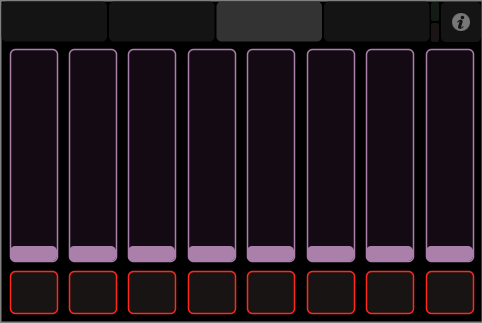
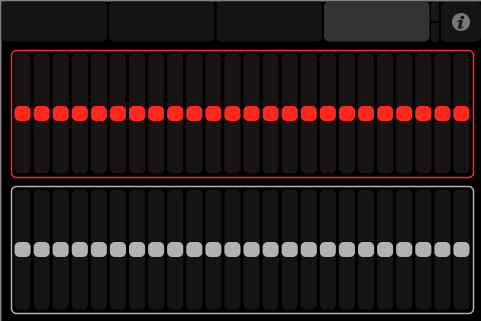
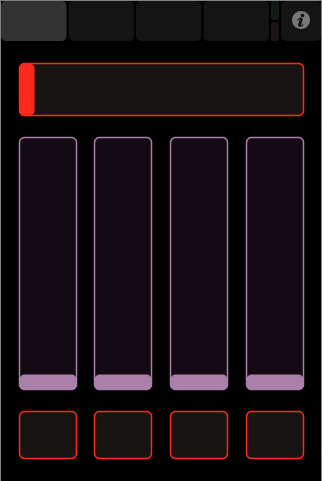
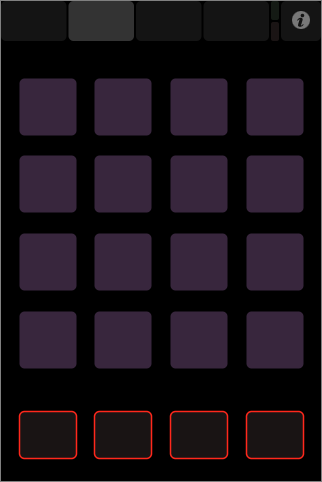
Above: The pages of the LiveControl Design Mod for iPod

Above: The pages of the LiveControl Design Mod for iPad

To install this design modification you need to upload the modified LiveControl layout to your device and to replace some script files inside the Ableton Live application folder with the modified ones provided by the download below. A readme file will give you all the information you need. If you also want to use the Klinikal Ninja skin, the installing instructions will show you the way to the skins folder, too.

Download Download Neutrum Design LiveControl Mod

The download contains all the files you need for the design modification on iPad or iPod, as well as detailed instructions on how to install them on Mac or PC. However I could only try and test it on a Mac with my iPod. I hope it will serve you on PC and iPad as well.


June 18th, 2012

Music For Puppet Theatre

Out of two songs from a good beginning have become ten now, making up a complete CD called “Wusel und seine Freunde” and featuring all of the ten characters of the “Wusel” trilogy by Puppentheater Katinchen.

Starting with copyright problems for the music on the second piece I began composing the first two tracks, then added some more for the first run of the third piece and finally wrote the rest, to also feature the characters of the first part, and to round up the whole thing. From the finished album we then took parts of the tracks to get the theatre music we actually needed for the scenes. As the tracks were composed with this in mind, it was no problem to get the right mood in the right place, by simply adding some loops and fades.
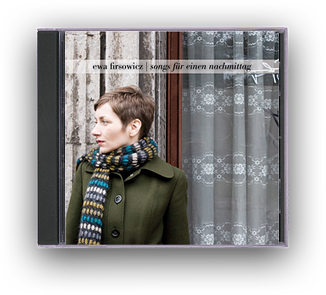
You may listen to the whole CD here. You can’t download it, but you may order a CD at the Katinchen Website. For the actual theatre music watch out for one of Puppentheater Katinchen’s performances.
 

March 21st, 2012

Lovely Tunes

I just finished two tracks I composed and produced for my girlfriend’s puppet theatre “Katinchen” and of course I don’t want to keep them secret from you! Would love to hear how you like them.

Enjoy listening, and in case you want to find out more about the puppet theatre, have a look at the website of Katinchen, featuring a friendly educative style of puppet theatre for children.

This first song I composed in a way that should resemble to the music from the soundtrack of “Amelie” by Yann Thiersen.

The second piece is based on a traditional children’s song about elephants in a forest, which is already in use in one of the theatre pieces.


October 14th, 2011

Mainstage Design Mod

This design modification gives Mainstage the same „desaturated“ look that comes with the Logic design mod. Buttons, icons, meters and much more have been reworked to get to a neutral appearance of the whole interface, so you can concentrate on the colours you‘re actually working on in your layout.

Mainstage is the live performance application that comes with Apple‘s Logic Studio software bundle. It allows you to use all the powerful software instruments and effects you have within Logic live on stage or in a studio or rehearsal situation, providing an interface that is optimised for exactly that purpose.

Download Download Neutrum Design Mainstage Mod

The innovative concept of recreating your hardware midi setup as an individually designable graphical representation on screen before adding your sounds to those elements gives you extreme flexibility in creating exactly the interface you need for your performance. The other great innovation is that you can have all the songs for a performance in one big „concert“ file, allowing you to switch between songs on the fly.

As with Logic the general design as well as the concept is great, but some individual parts and components drop out of that overall scheme and have a disturbing influence, at least in my humble opinion. I reworked those elements, as far as that was possible by the applications design concept, using some tricks, so to my eyes they now integrate well into the whole interface design and give it that „Neutrum Design“ look, providing optical understatement and clarity and focusing on what‘s important.


September 25th, 2011

Qualita Rossa

Some weeks ago, when I went to my cellar, I found a CD that I had forgotten about for many years: A demo of my former smooth-jazz trio „Qualita Rossa“, and I was surprised how much I liked the sound – much better than I had it in mind.

Qualita RossaI don‘t remember exactly, but it must be about 15 years ago that we went to a recording studio for this demo containing three songs. The trio covered jazz classics, especially latin stuff, and arranged it mostly in a soft bossa-nova like style, to fit in places like the background of a hotel bar.

For me it was the first project in which I consequently played drums the way a left-handed drummer would do. I had just recently decided to concentrate on a very basic drumset consisting of just bassdrum, snare, hihat and one cymbal. A perfect setup to learn the very basics of drumming – and compact enough to easily turn it from right to left and back again to learn those basics both ways.

In that context I mostly played with brushes, which made the drums sound more like percussions and softly integrated them into the sound of the band. I like that sound very much. The only thing I didn‘t like in this recording were dynamics in the final mix. I remember we wanted the sound to be as natural as possible, avoiding effects. But listening to it today I definitely missed compression. It sounded thin, weak, and wasn‘t loud at all.

So I decided to master the recording using my high quality analogue compression and mastering equipment. It‘s originally meant for recording my drum samples with perfect quality and level, but it‘s actually perfect for mastering, too. I used the FMR Audio PBC‘s for adding density and character, enhanced the sound with the great old Behringer Ultrafex and finally limited it with the UREI LA-22 to get it loud.

All tracks were recorded at Greve Studios Berlin, not exactly sure when, but maybe something like 1995, when Volker Greve had just opened his brand new recording studio. The musicians are Bo Wällstedt on vocals and guitar, Harald Zawuski on bass, and myself, Thomas Leisner, on Drums. Volker Greve did the recording and mixing. No mastering was applied back in those days.