I offer private lessons for drums, vibraphone and piano, as well as coachings covering all aspects of sound engineering, music production and band training. See here for details.
Thomas Leisner
About Beauty and Bright IdeasThe second edition of Wilde 13 Festival is about to come, on 31. of Mai and 1. of June 2019! Andreas and I, who organized the festival this year, too, are pretty mad about it. But this time it’s not only us, but a great deal of helpers from our neighborhood joined us this year.
Preparations for our very big little open-air-festival at Flora-Kiez, Pankow, Berlin, are going for more than half a year. Now everything has been thought about thoroughly and the party may go off. On both evenings six artists each will perform, and as an addition in this year we added a brunch on sunday: The street still will be blocked and everyone will meet once again to finish the festival – having another bit of live music, of course.
Summer isn’t really past and the sounds of our open air festival from june still are ringing, yet it’s time for the Unpluggedival again. Autumn is coming, even if summer is still strong. The second edition will present even more locations and artists, so people can move freely from one space to another getting lots of impressions and inspiration.
Of course also the 2. Unpluggedival 2018 has been prepared for a long time. As it’s mainly about unamplified music, according to it’s name, there isn’t too much of an effort for me in this regard. The artists mostly use amplification, but they care about it themselves, also by connecting with each other in this turn. It’s my part to organize everything in advance, and then to check and help where ever it’s needed at the festival days. This isn’t always easy though, with over 40 concerts at more than 10 locations.
As the Unpluggedival in autumn of last year has been a great success, we dared to finally realize our original goal, a real Open Air Festival in our hood: Wilde 13 Festival. Two days of live music on a blocked road, directly in front of my house’s door. And where else could it be?
While Unpluggedival spreads many concerts about many small and in parts unusual locations due to the cold period of the year, our Wilde 13 summer festival concentrates all concerts in one spot: an open air stage in the centre of our neighborhood. In two days the festival presents twelve artists with a wide range of musical soundscapes. No fees for entry, everybody welcome, but so are donations. Hot temperatures and a vibrant atmosphere are guaranteed.
For the first time I am organizing a festival instead of playing with my band at that festival. Together with my good friend Andreas Gerts who is already experienced in organizing events we invented the 1. Unpluggedival 2017 at our neighbourhood in Berlin.
Andreas and I had already worked together at the Florakiezfest, where he was the main organizer and I was the responsible technician at the big stage of the festival. Since then we had the idea of organizing our own festival for music only. The result of it is this indoor festival, spread over ten locations and featuring nearly 40 acts on two evenings: October 20. and 21., 2017.
Look at the festival’s own website for details. By the way that website was realized by myself, as well as me developing of the festival’s logo. The idea for the logo came from Matthias Lopp of Graphscape, who also made the print design in correspondence to the website’s design.
My current band Acrepearls just published their first release “Mikrokosmos” on Lalonova. The album features the band’s first team including Kai Mader – saxophone, Joh Weisgerber – bass and myself on drums. It was recorded in 2014 at Kanin near Potsdam.
Here is a video I made from our last concert with Acrepearls at “Stadt für eine Nacht”, Potsdam. It was a beautiful warm summer night with an outstanding atmosphere.
The friendly people at Fabrik, Potsdam, provided us with excellent technical support. I was especially happy about the beautiful light show reflecting on the white tent roof above our open air stage. But we also got a multitrack audio recording of our concert, which I mixed and combined with the video at my studio.
https://youtu.be/z0DPp690piE
I am happy to present my first classical recording at Delicious Drums Studio, featuring flute and harp, played by renowned soloists Rebecca Lenton and Nathalie Amstutz. We recorded three pieces from classical over modern to improvised music.
Rebecca and Nathalie call their Duo A Moveable Music. They bring an innovative flute and harp programme, combining classical repertoire and contemporary works with improvisation tailored to each performance and venue.
I had the chance to encounter the two at a private concert, a musical “Salon” at the home of one of my drum students. From Bach to Takemitsu and beyond, Rebecca and Nathalie guided their listeners through a multitude of musical styles, giving a brief introduction to the works along the way.
For many in the audience, including myself, it was the first time to have this combination of instruments, and especially to listen to a harp so closely. I had the opportunity to bring that experience even one step further by recording the duo, putting my favorite microphones as close to the instruments as possible.
Rebecca Lenton and Nathalie Amstutz both have a wealth of experience as soloists, chamber players and orchestral musicians in a wide range of musical genres. They play together as a duo to explore and further the repertoire for flute and harp.
Born in Switzerland, Nathalie studied in Detmold, Frankfurt am Main and Berlin. She was solo harpist with the Osnabrücker Symphoniker, Düsseldorfer Symphoniker and the Bremer Philharmoniker. Today she freelances with orchestras including the Berlin Philharmonic, Düsseldorf Symphoniker, Bamberger Symphoniker, Philhamonie du Luxembourg, Oslo Opera,WDR Orchester Köln, the Hamburger Philharmonik and the Tonhalle Zürich. She is also very dedicated to contemporary music, having played at several new music festivals and working frequently with Ensemble KNM Berlin.
Born in England, Rebecca studied in London at the GSMD and in Basel. She has been a member of Ensemble KNM Berlin since 2001 and has performed at prestigious concert venues and festivals worldwide, including at the Carnegie Hall in New York, Huddersfield Contemporary Music Festival, Wien Modern, Donaueschinger Musiktage, Ultraschall Festival and Märzmusik in Berlin, Festival Présences in Paris, and tours to Argentina, Japan and Taiwan. She is also a regular guest with Klangforum Wien in Austria and has freelanced with orchestras including Royal Opera House, Covent Garden, London Philharmonic and BBC National Orchestra of Wales.
We mixed a short medley of beautiful moments from our public live recording session at Spartacus, Potsdam. The video gives an impression of the band’s concept of playing improvised contemporary music.
It’s a while ago since I did this speech recording at Delicious Drums Studio, but since these fairy tales were meant to welcome refugees over here at Berlin, it’s certainly not too late to welcome them again here at my personal site.
A very engaged friend of mine over at, Andreas Gerts, had the bright idea to realize a project to welcome people from all over the world to Germany by telling german fairy tales to them and especially to their children. So we recorded a CD including ten versions of “Frau Holle”, read in ten different languages.
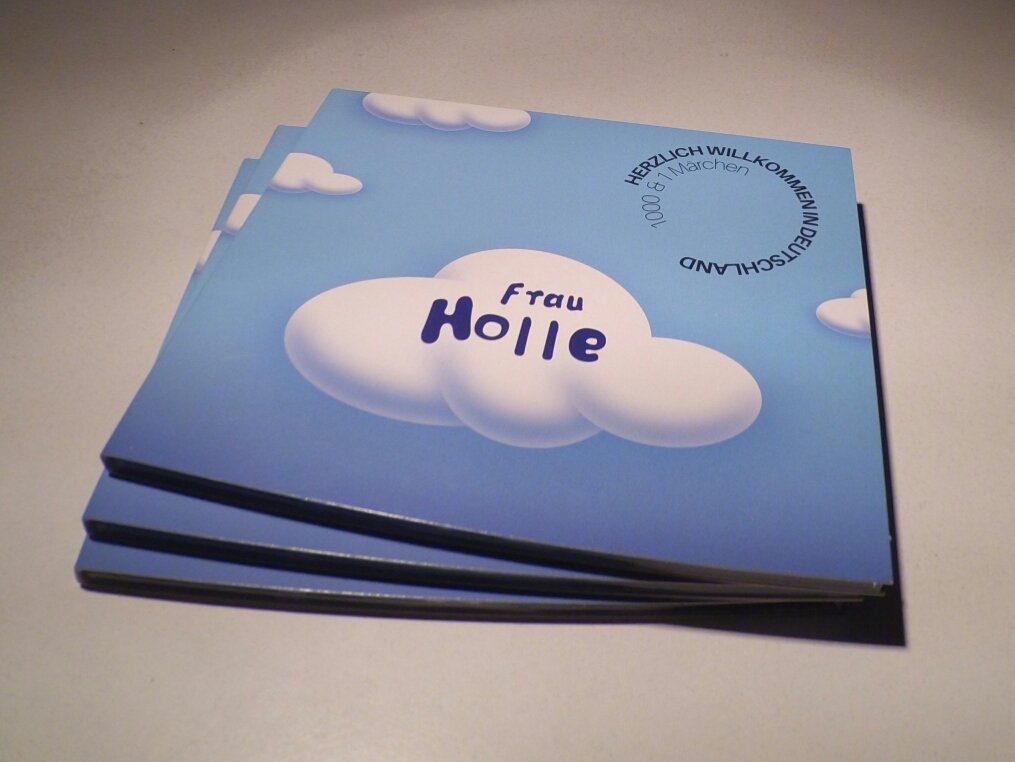

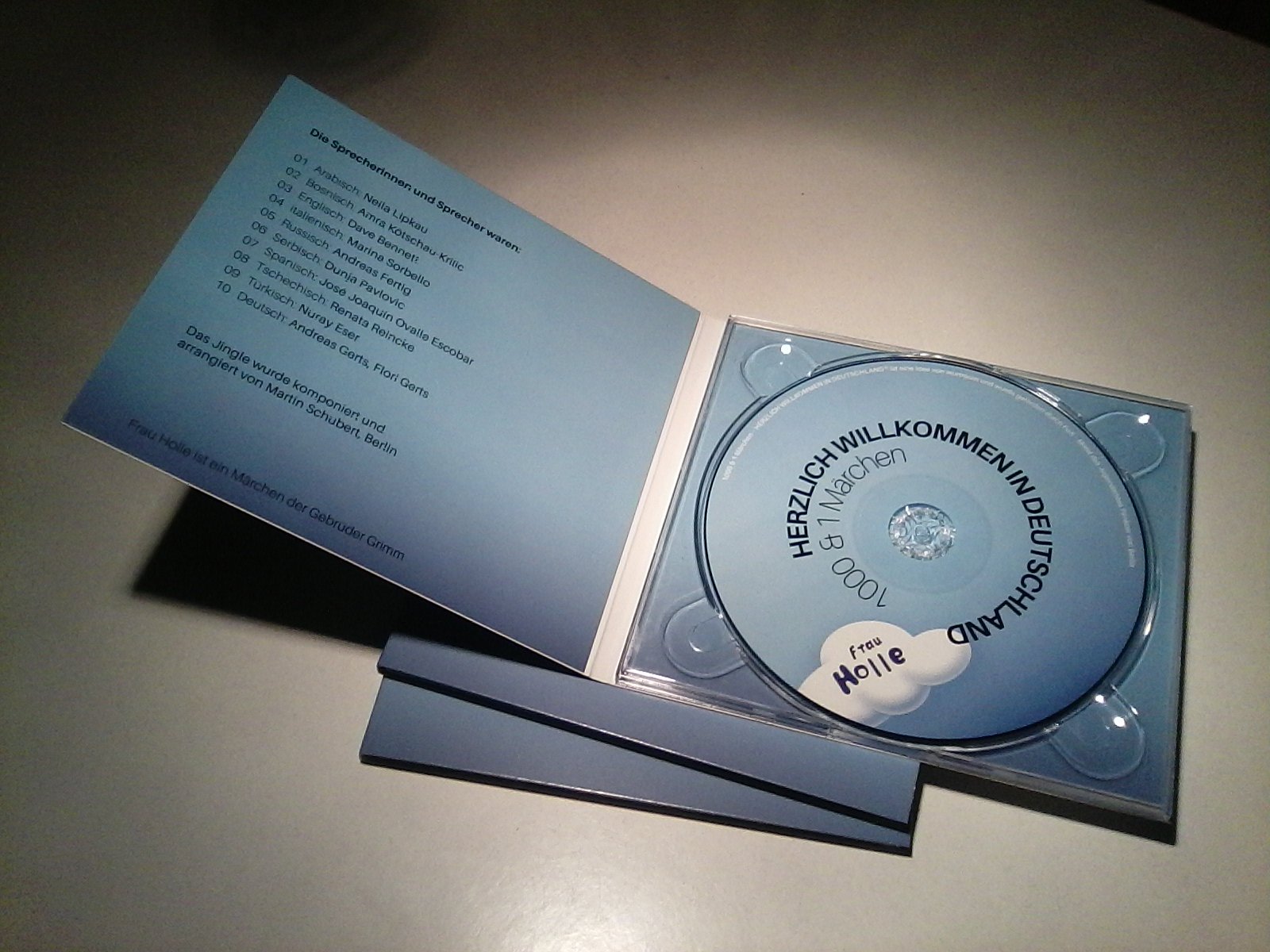
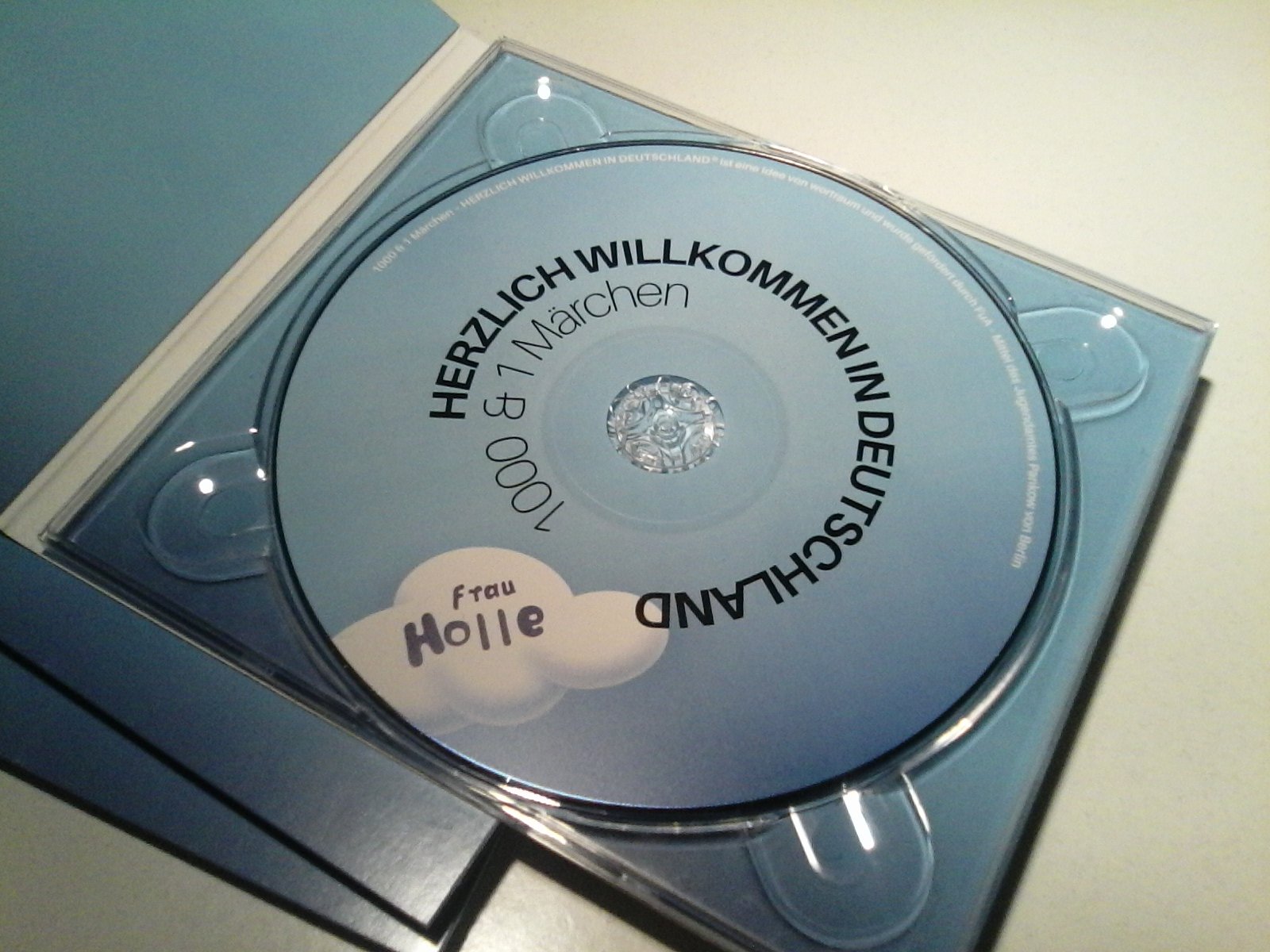
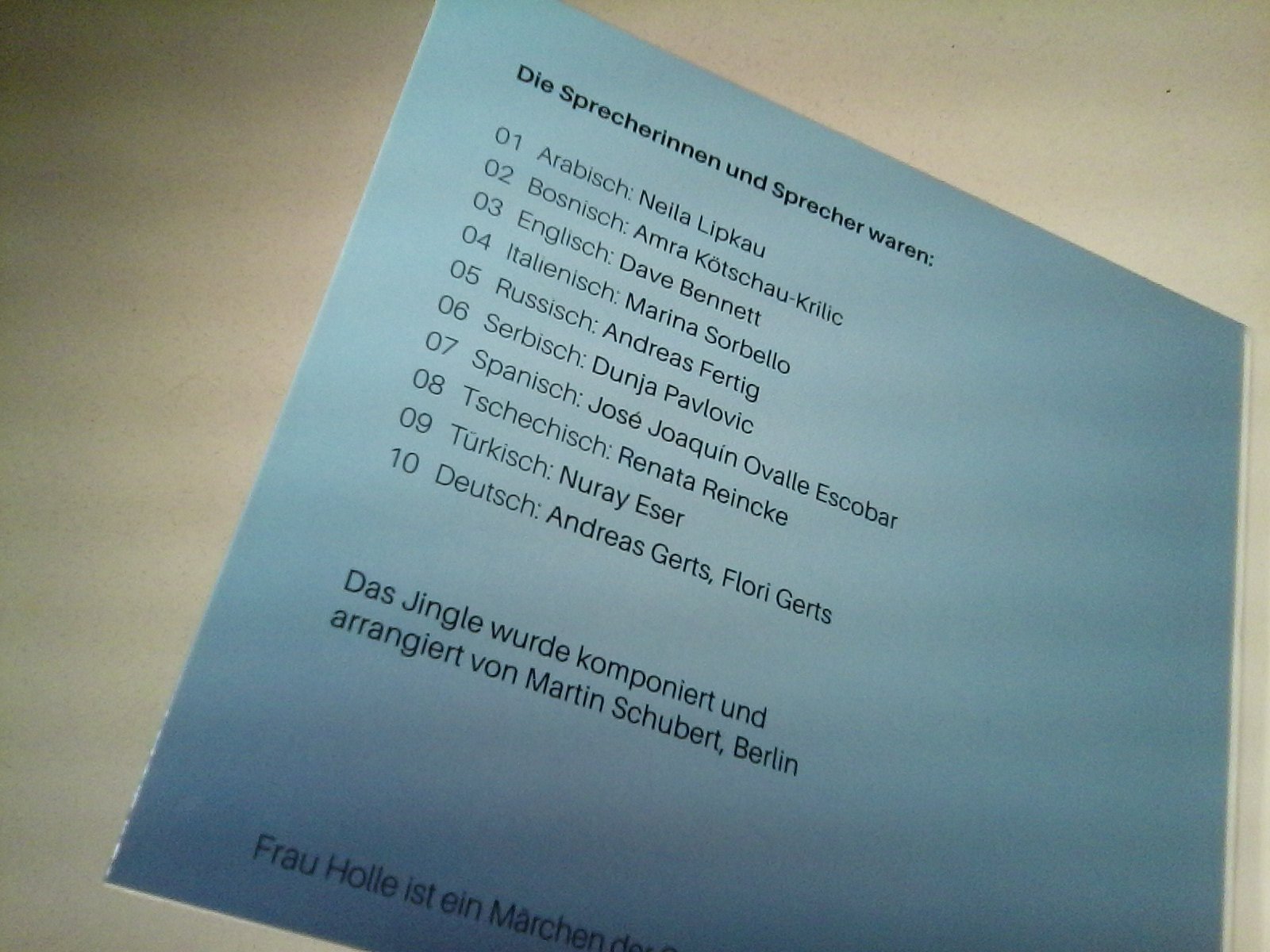

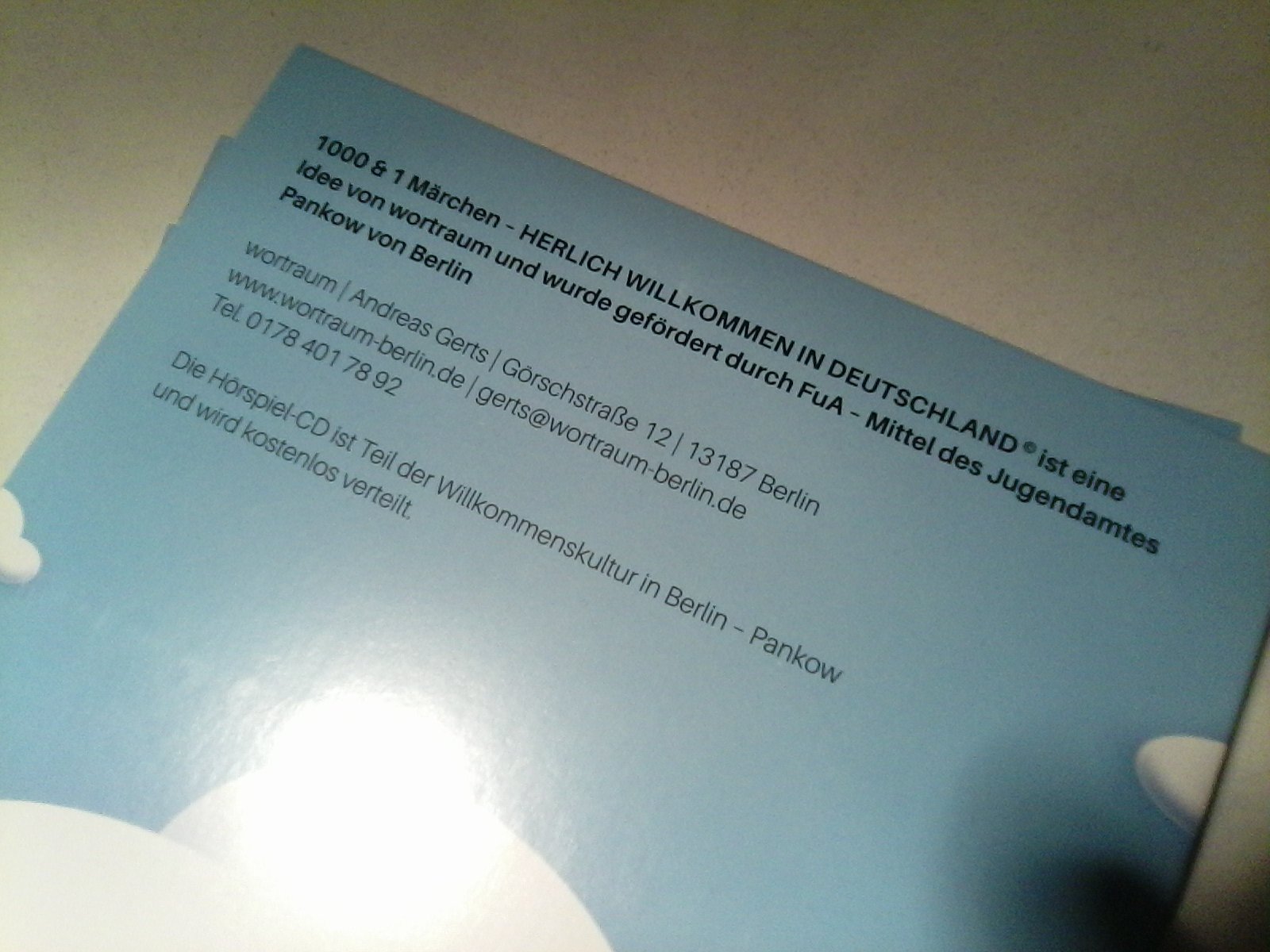
These were handed out as welcome gifts for people with children arriving at Berlin. We realized that project during autumn of 2015, when german media discussed the so called refugee crisis every day. I hope that it was a small contribution to making these people feel a little more at home and coming to a rest in Germany after having had a troublesome time.
I am happy to announce the recording of Acrepearls‘ second album. The first one is only close to finished and has yet to be published, but we’re on our way for a second album already! This time it will be a live recording session, so you are welcome to drop in and participate in the process by simply listening, watching and enjoying the atmosphere.
Acrepearls is an experimental jazz trio improvising freely and heading towards electronic club beats. It consists of my good old friend Kai Mader on saxophone, the piano player Nicolas Schulze and myself on drums. We all added some electronics to our setup to extend the sonic possibilities. In Nico’s case he also plays a synth bass, whenever there is a need for it. This is especially interesting since Joh Weisgerber, our bass player on the first album, is no longer with us. The trio got an interesting new quality and sound by Nico’s talent on grand piano, and still we enjoy the analog bass sound we liked so much from Joh’s playing.

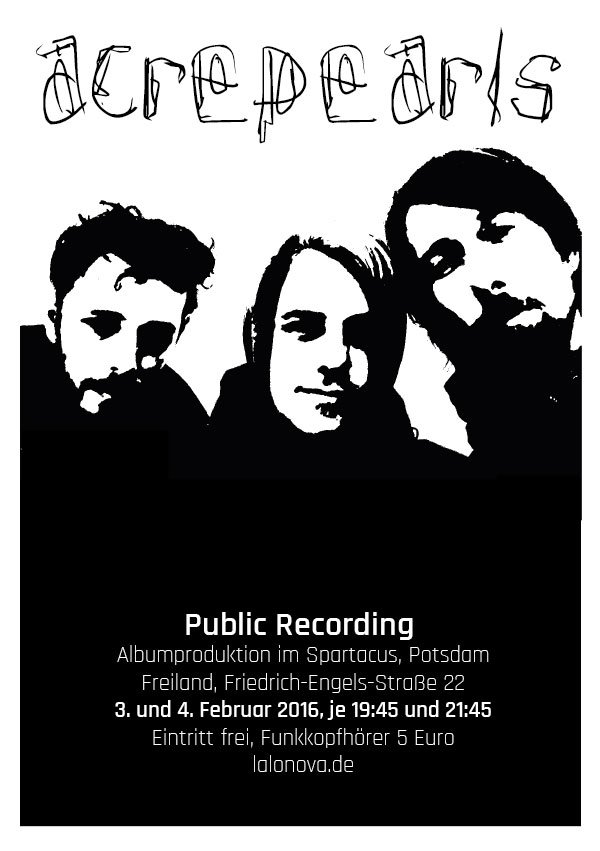
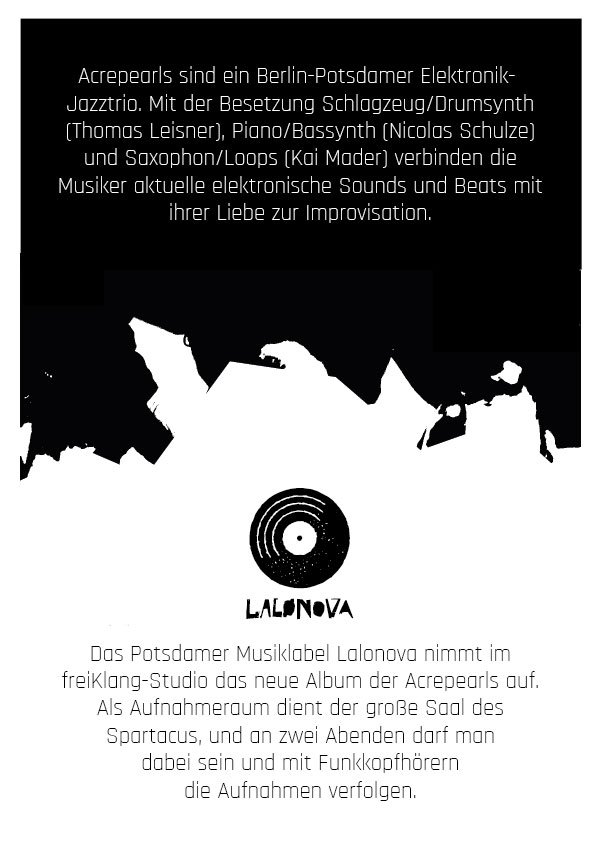
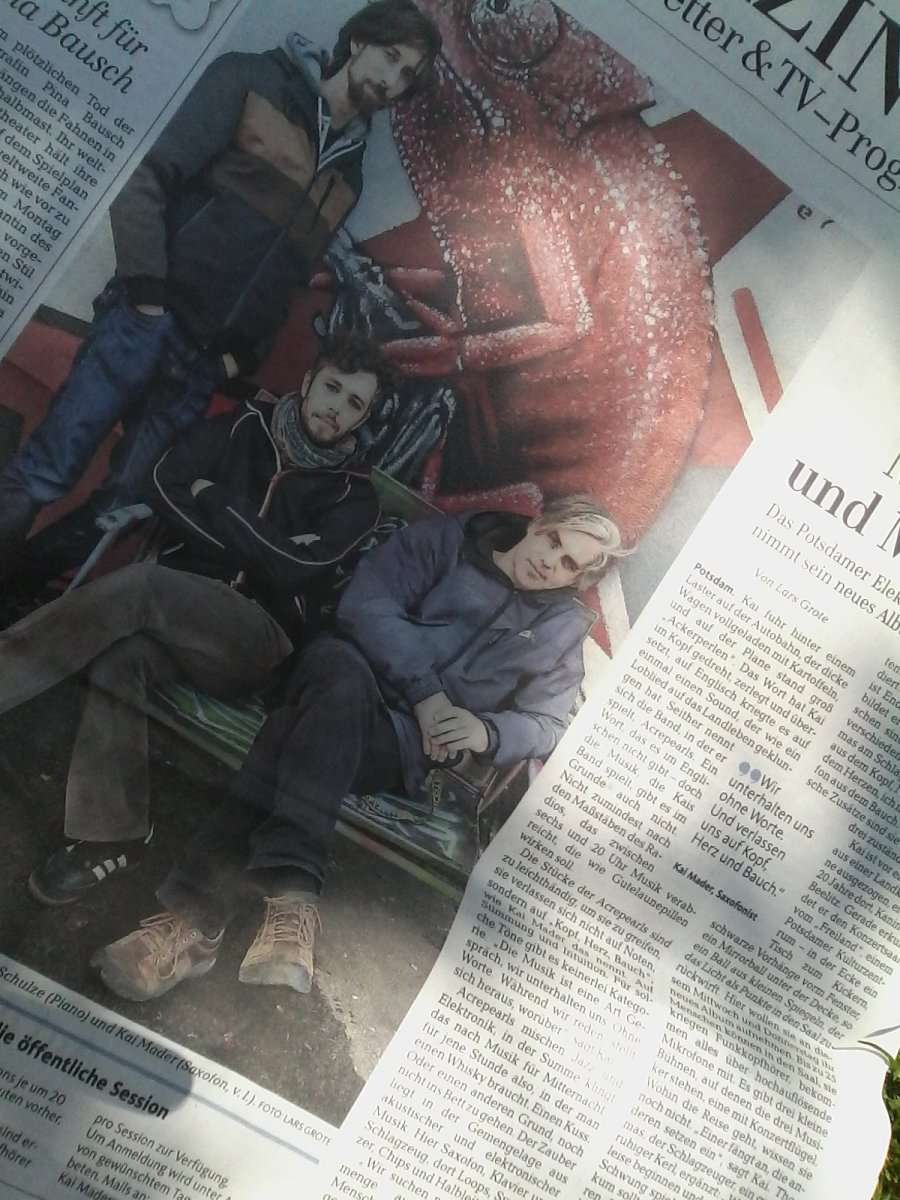
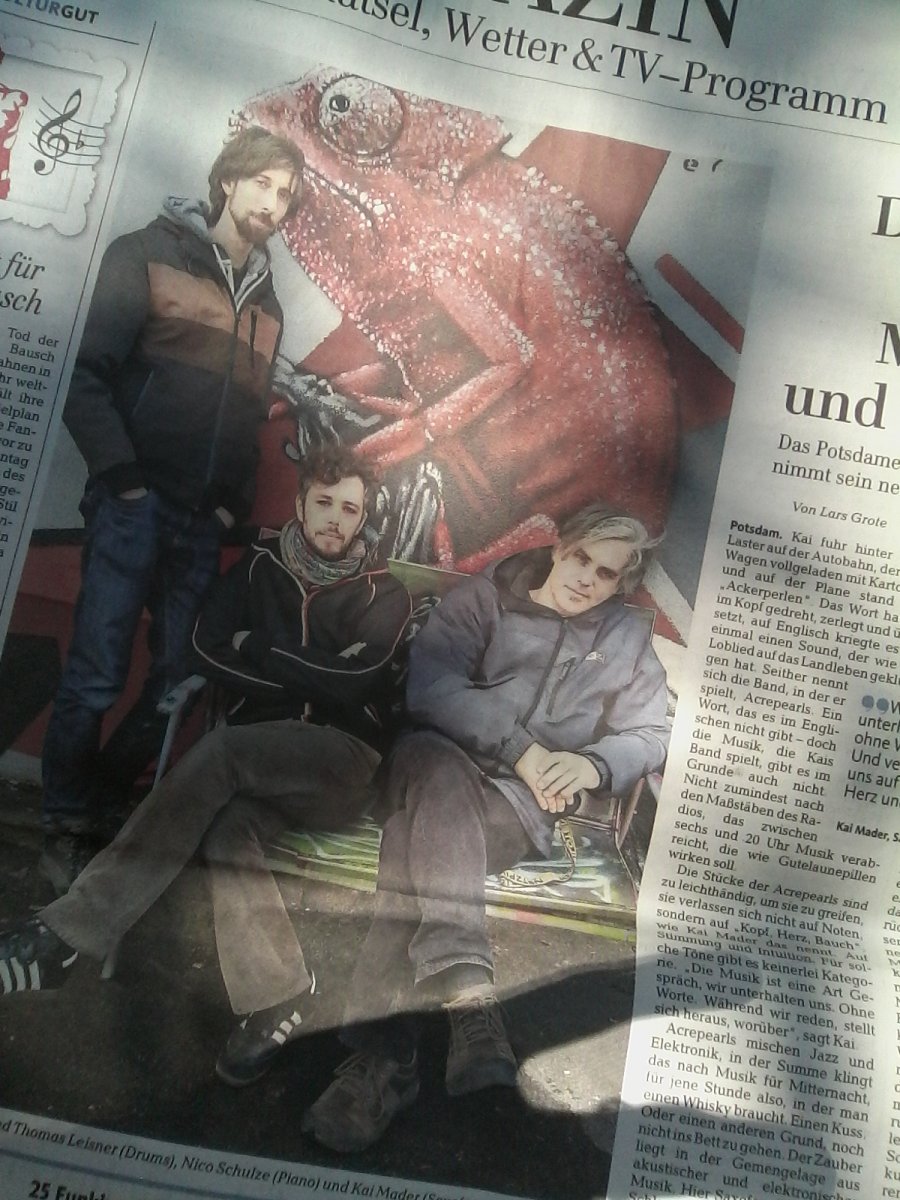
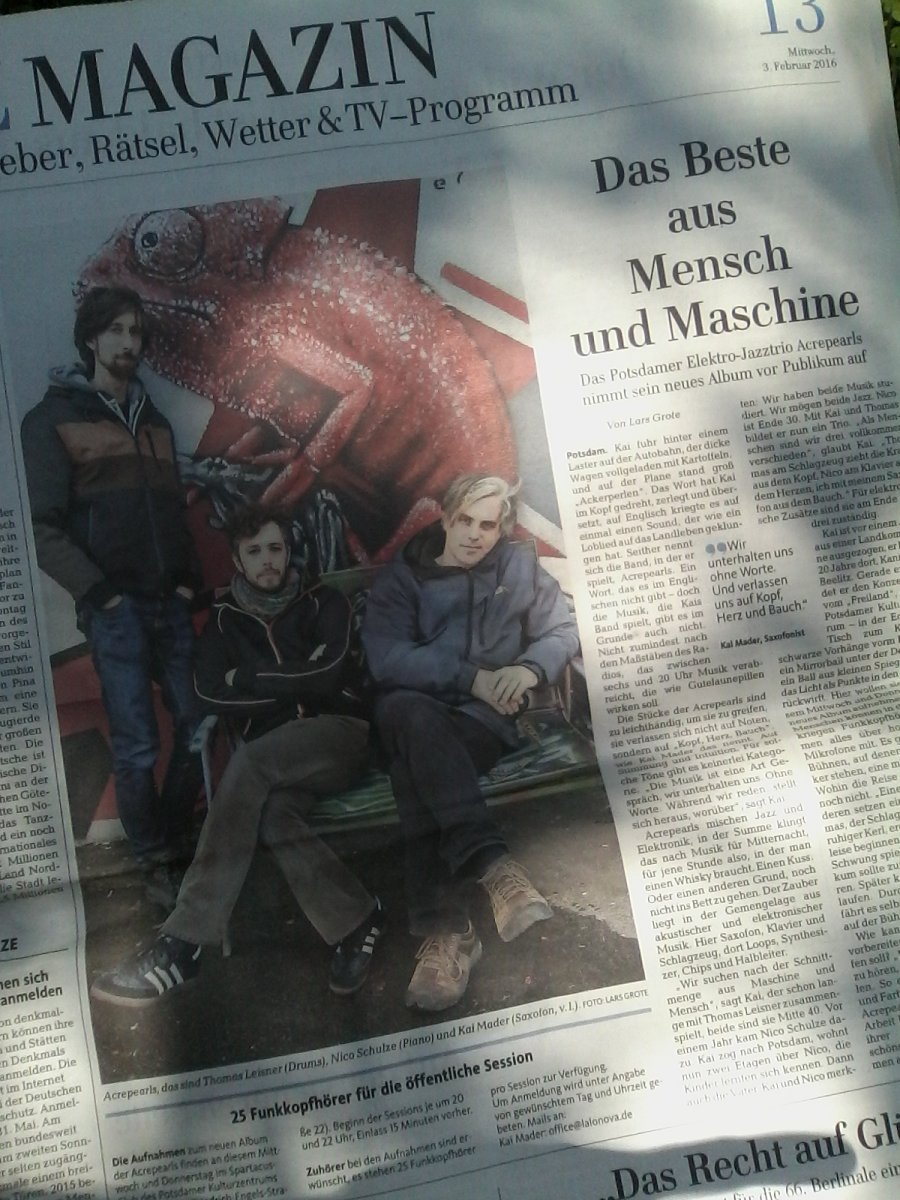
The public recording will take place at freiKlang studios, Potsdam, on February the 3rd and 4th, 2016. Visitors are welcome in the evening of both days. See the flyer images above for details. The recording space is a large hall suitable for up to 800 people, but we will have just a small stage for the three of us in the middle of the big room, with maybe a handful of guests sitting or walking around with wireless headphones, enjoying studio quality sound. Should be a nice atmosphere! On the website of Lalonova there are some additional informations and a map, in case you wonder how to get there.
Potsdam’s Newspaper “Märkische Allgemeine Zeitung” has published an Acrepearls Feature as an announcement to the public recording. I hope this link will stay active, so you can still read the article later on. For just in case I also pasted the article to the comment below.
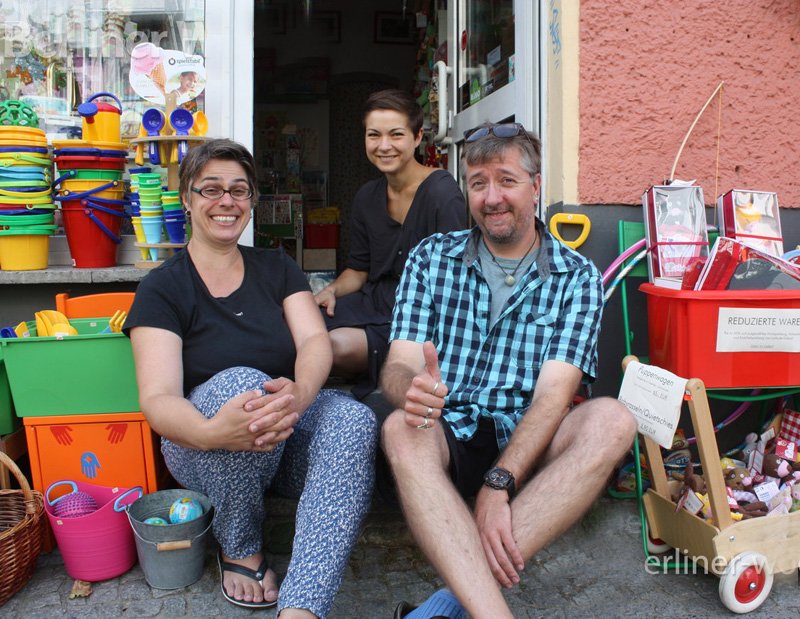
For the first time I worked as a live sound technician in charge with my own equipment for a little street festival at the place where I live in Berlin, the Flora-Kiezfest 2015. Over the day we had 15 acts on stage, including four grown-up bands of different styles in the evening.
In the afternoon on stage we had everything from puppet theatre over singers and songwriters to a live radioplay. In the evening there were four bands playing worldmusic, pop, rock with strings and a ska band with complete horn seciton. I had picked two friends to help me on stage and we had hands full to do in order to manage the tight timeline of only 15 minutes to change between the bands, including line-check.
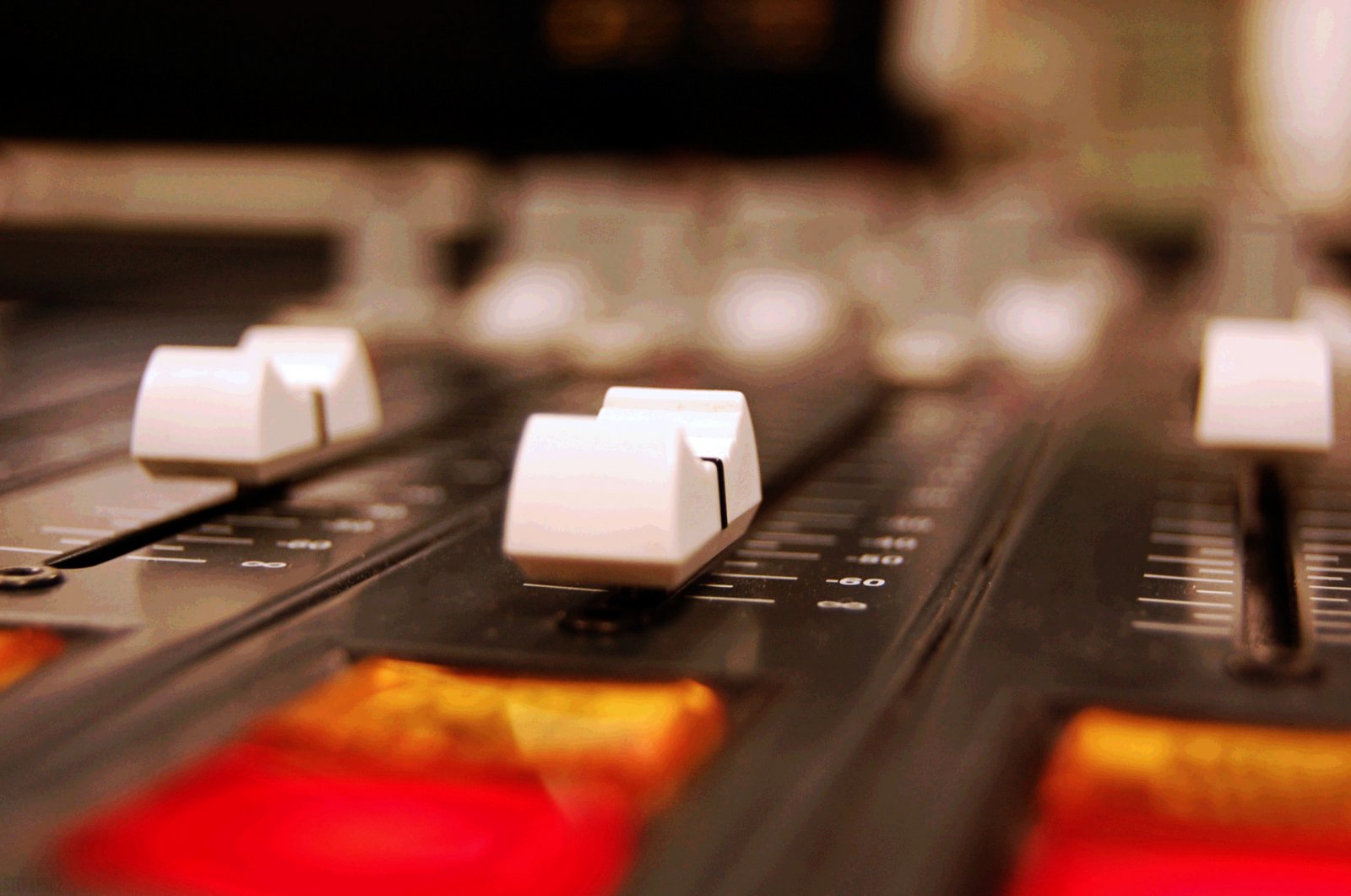
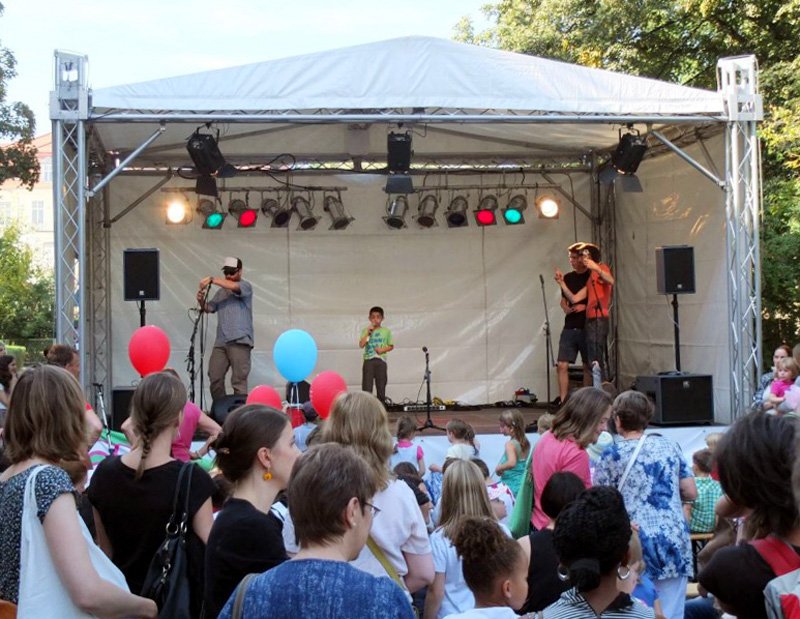

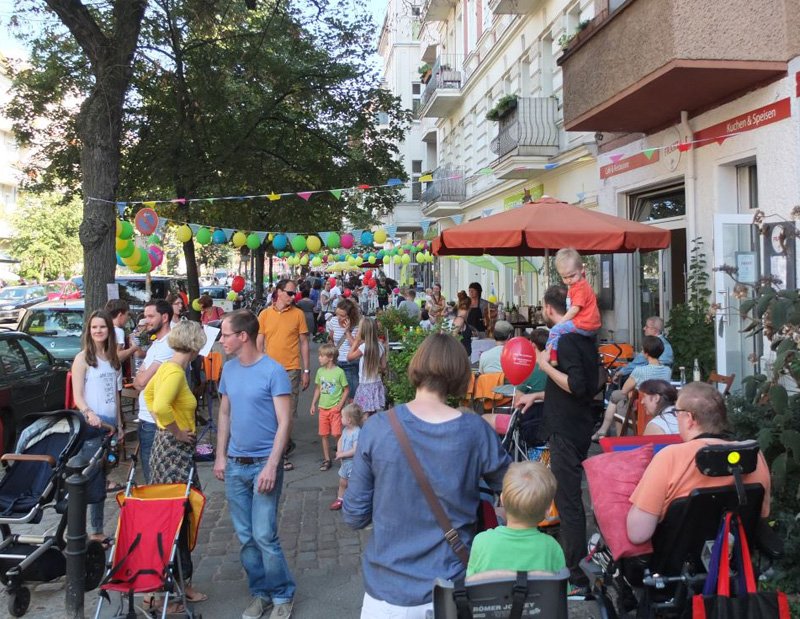
I had brought a good deal of my technical equipment at Delicious Drums Studio, including my new and excellent sounding HK Audio PA system and the good old live mixing desk we had used with Strange Fluid. I was especially happy with the gates and the parallel compression on the busses that I had implemented to the setup.
I recently joined the band of fabulous Jazz singer Anna Margolina for a studio session and some live gigs in Berlin. Here are some very short impressions.
Belarussian guitar player Sviatlana Paklina, better known under her artist name “Lasma“, asked me to join her current live project, an atmospherically dense and intense rock show. The big sound of her music asked for electronic drums with lots of effects on my side.
We had a short rehearsal the week before the first concert and decided for an electronic drums setup. This was an excellent opportunity for me to experiment with the very powerful software drum synth “Ultrabeat“, which runs on Apple’s live performance software “Mainstage“. I had this plan for quite a while and know Ultrabeat well, but it still astonished me how responsive and creatively inspiring it’s sound and performance in conjunction with the flexibility and ease of use of Mainstage is. As always with electronic setups it was quite work-intensive to prepare everything for the first gig, but also very rewarding, as this short video shows:
Here is a demo recording for Julia Toaspern & Band I recently produced at Delicious Drums. It features four original tracks with Julia’s brand new acoustic band.
We met one day in December to record the whole band at once, playing together live in my studio, to capture the most authentic live feeling. Following the new concept of the band we aimed for a clear and acoustic, yet modern sound.
Musicians on this recording are besides Julia Toaspern on vocals and guitar: Brian Haitz on vocals, guitar and flute, Ralph-Eric Berg on double bass and Anselm Bresgott on beatbox. Compositions by Julia Toaspern, Arrangements by herself and her marvelous band.
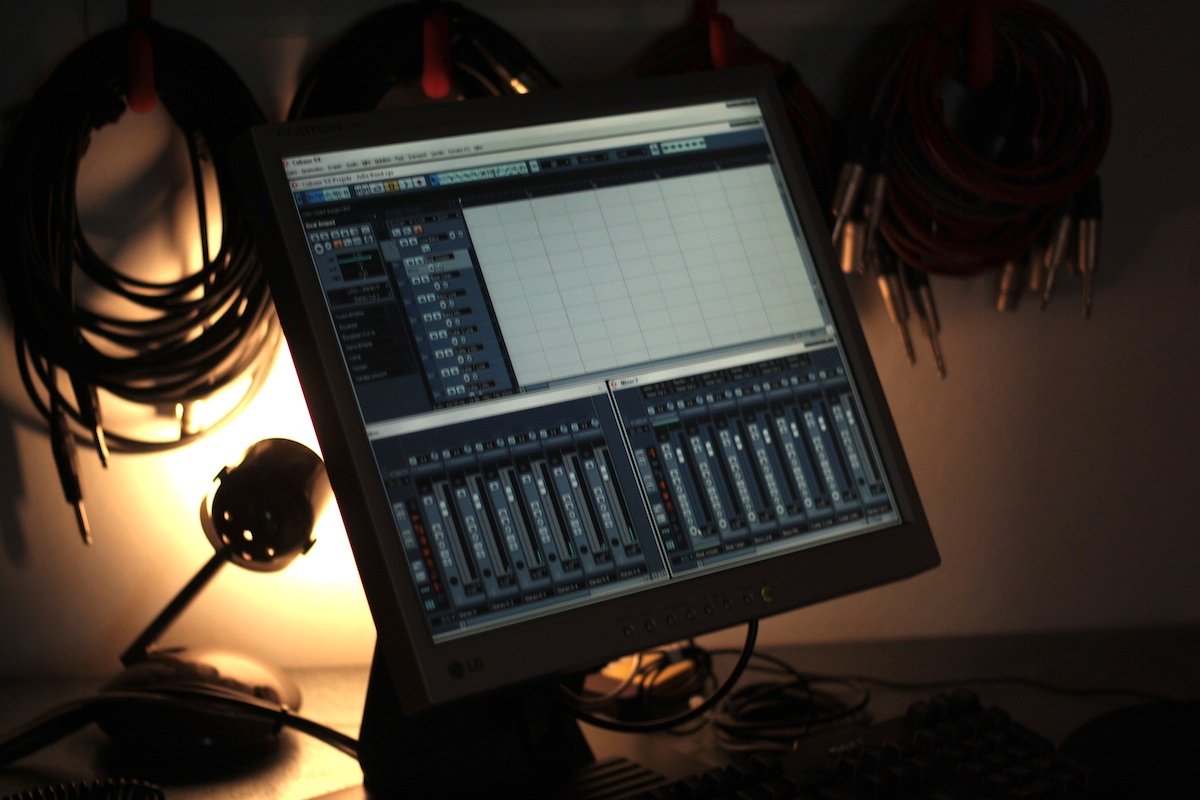
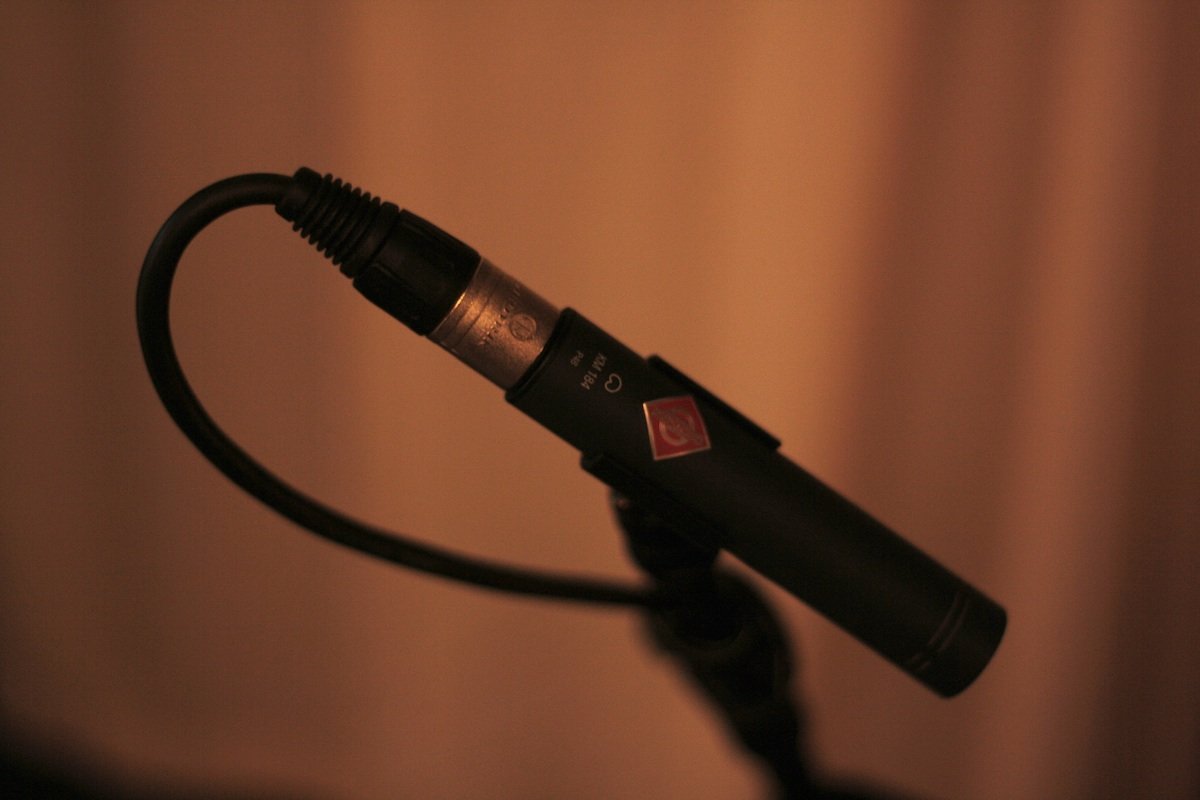
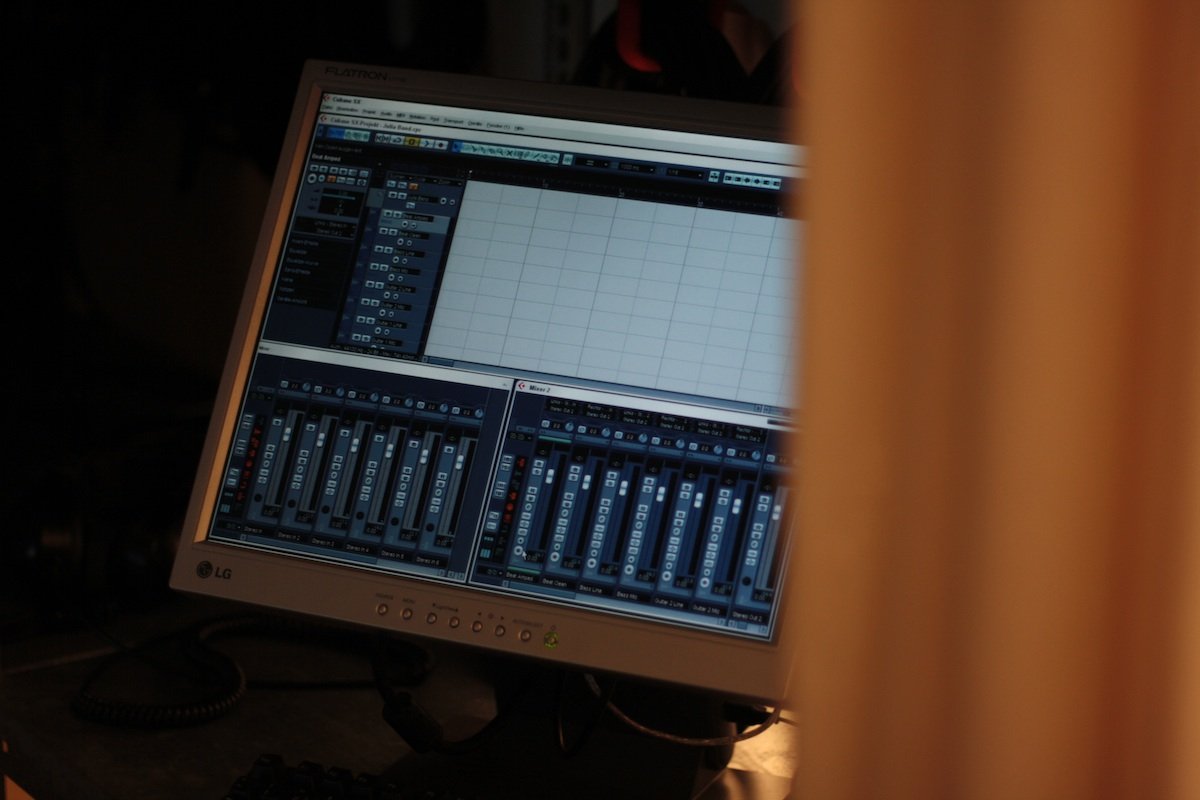
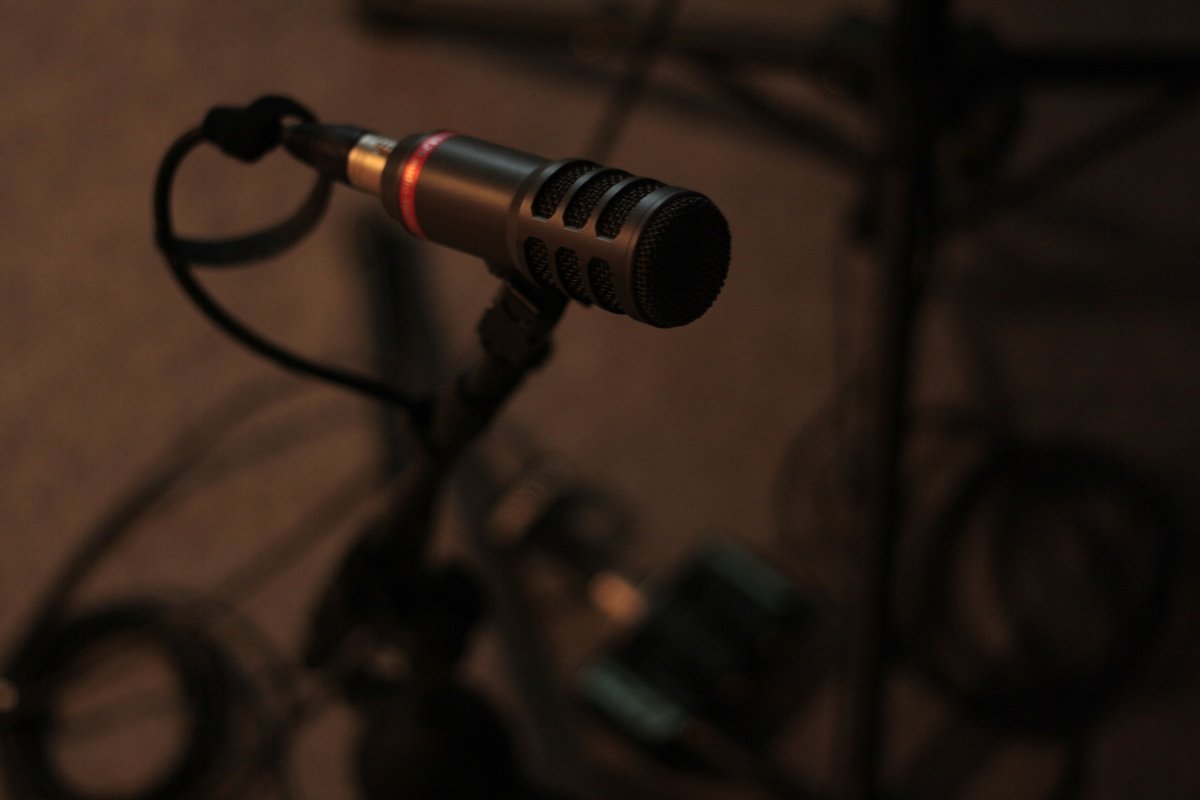
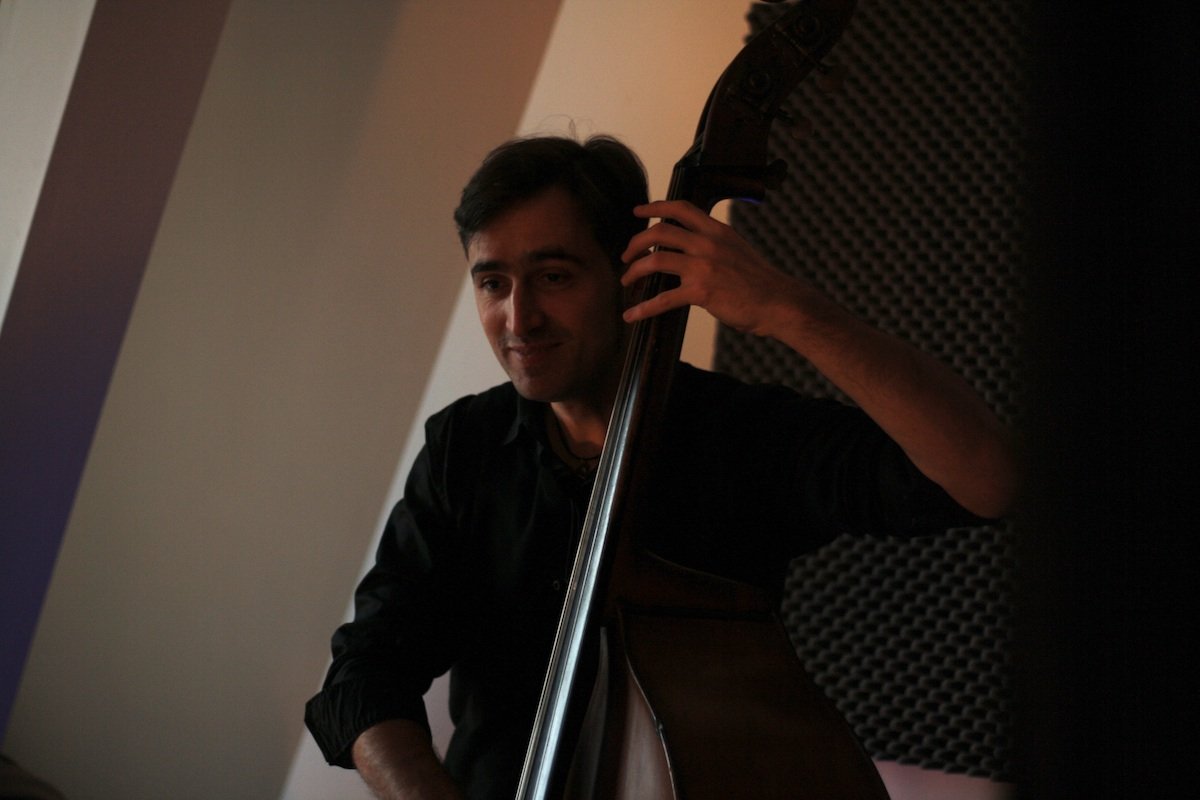
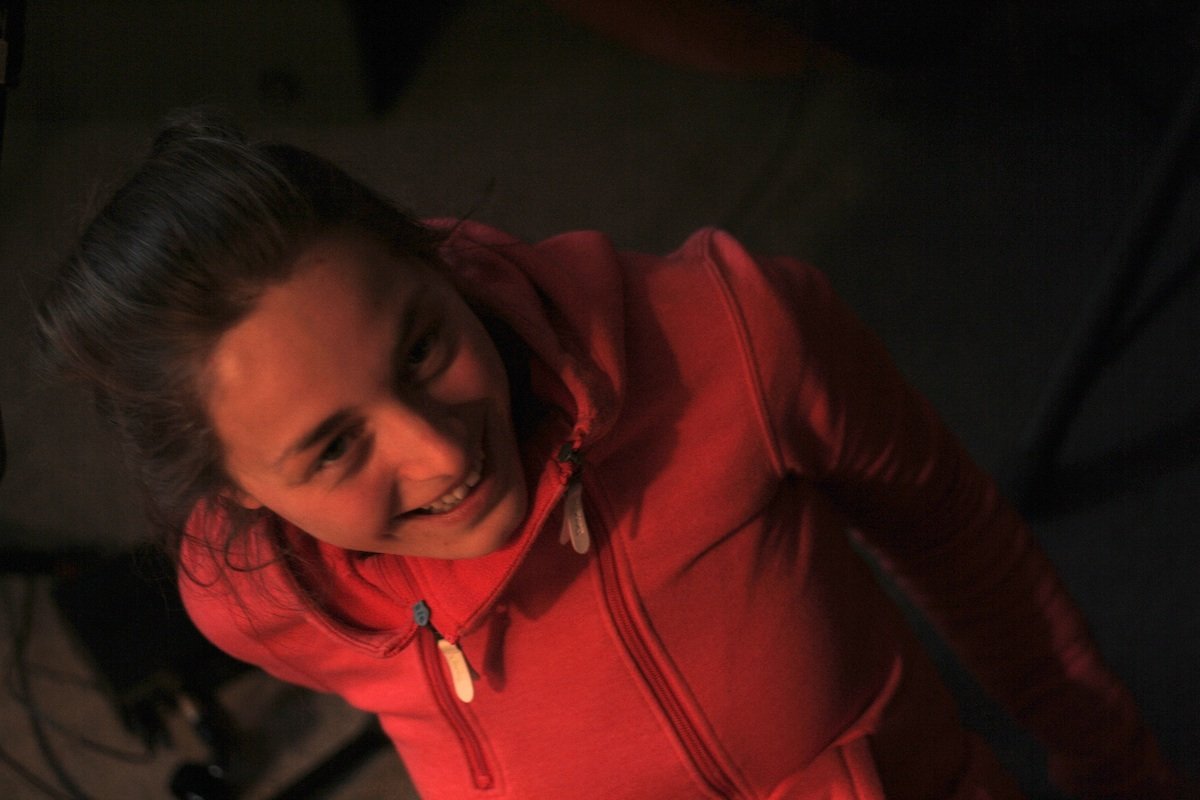

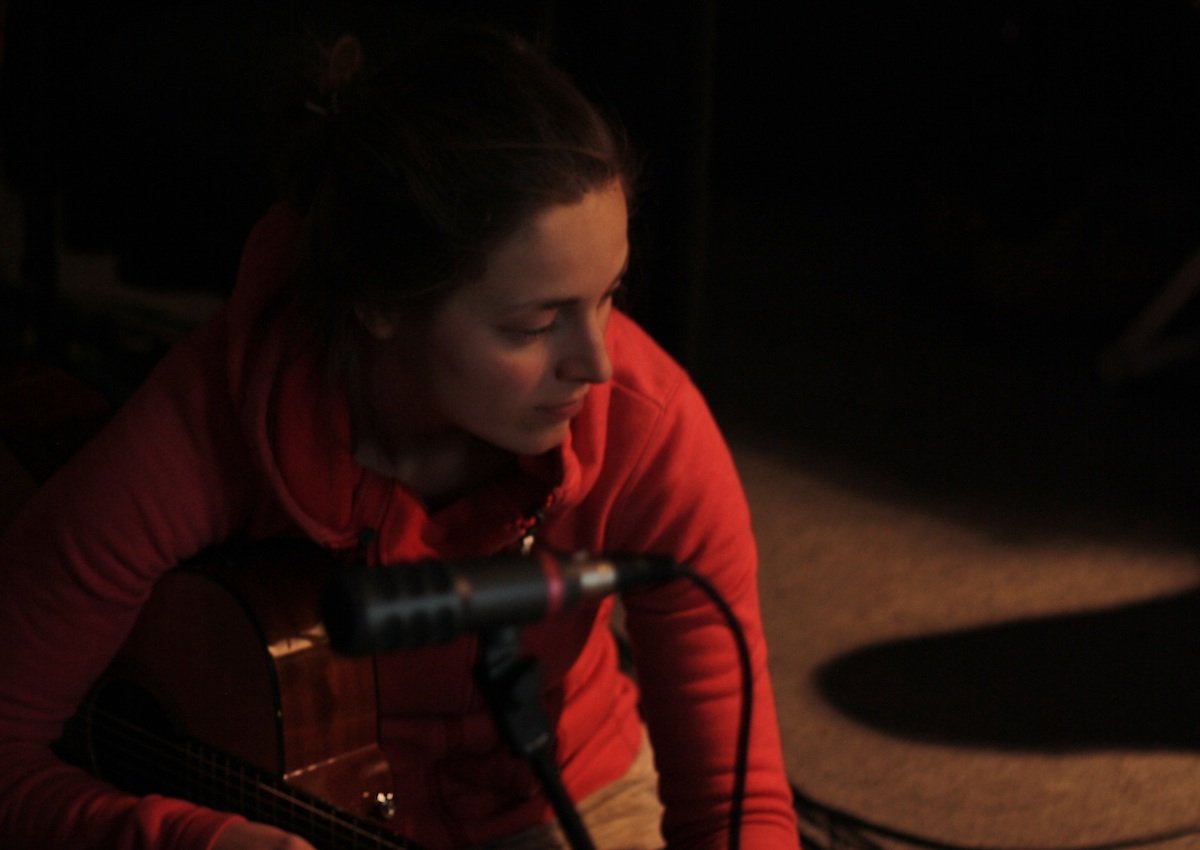
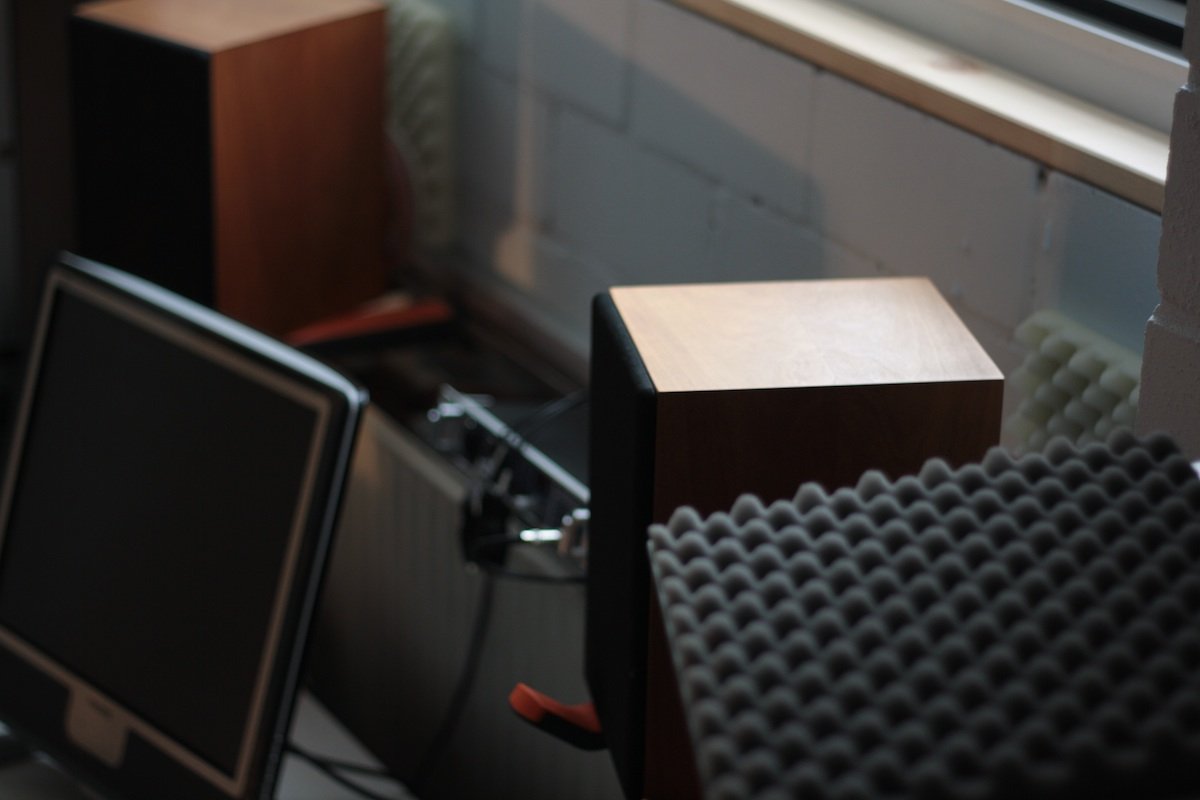

Recording, editing, mixing and mastering by myself. I’m looking forward to hearing some more great tracks, and maybe to record an album soon at Delicious Drums!
Here is a little recording I did together with my good old friends of Strange Fluid these days in my freshly refurbished little recording studio at Delicious Drums.
After two months of reconstruction at Delicious Drums everything looks shiny and like new. I wanted to show the new “Sound Kitchen” to my friends, talk about the good old times and just by the way we whistled one or two notes, the result of which you can listen to right here.
Besides Kai Mader on Saxophone, tracks three and four feature T. C. Mabemba of Strange Fluid on vocals. As my favorite bass player Joh Weisgerber was so busy recording Ratatöska‘s new album at his own studio, Jürgen Munder jumped right in for him on the last track, playing the bass on a keyboard for the very first time! As far as I know that was his first time for him playing an instrument on a recording, and it definitely was a big fun and pleasure for the other three of us, as we only knew him as our effects specialist at Strange Fluid before.
Here’s the third part of my series of improvised Drum & Bass recordings I did with Abelha Supersonica. Another day, another sound. We had quite different inspirations in that session compared to the other recordings on day one and two.
The session was improvised again without any preparation or rehearsing and recorded directly to stereo in one go. Just Abelha’s voice and groovebox and my prepared drumset.
I recently had the great pleasure to play with my good friend and saxophone player Kai Mader to check out a new way of recording in my studio. We improvised a little and got some fine results.
I had played together with Kai in some jazz projects many years ago, but we had lost improvisation out of sight as our electronic band Strange Fluid turned from experimental attempts to clearly arranged songs. After having a spontaneous jam on a party lately we decided to improvise together at some occasion soon, and after Kai had invited me to check out his new recording facilities at Dorfplatzmusik I in turn invited him to Delicious Drums to have this little jam here.
The Three-Axis-Model of Hand Position shows the spectrum of possibilities of holding sticks in your hands when playing the drums. There are three essential factors to consider, each one moving on an axis between two extreme points.
This second day we met was probably the most creative and productive of my meetings with Abelha Supersonica. The result is a solid piece of improvised drum and bass, which I split into five tracks afterwards.
The good news is: There will be a new Stoppok studio release coming soon! We just met for a weekend at his house near Bremen, where we played and experimented a little together.
The less good news – at least for me personally– is: I won’t be his drummer once again. Well. Stoppok had invited me some years ago when he was in preproduction for his last studio album “Sensationsstrom”. We spent some days in his studio then to experiment, rehearse and record. At that time he decided on Benny Greb, who recorded the album and was the drummer of Stoppok’s live band during the past five years.
Now we had a great time playing and talking. As a drummer I was most concerned about finding a new concept and feeling to play without bassdrum and adding some odd percussive sounds and a little electronics. I think it worked out pretty well. But Stoppok had already told me beforehand that he had jammed with Wally Ingram and liked his feeling and energy very much. It seems like he finally convinced Wally to leave Los Angeles for some time and come over to Germany for recording and touring. Stoppok has booked Bremen’s “Studio Nord” for the beginning of february.
As a drummer and percussionist Wally certainly integrates with Stoppok’s new concept perfectly. Stoppok will play the part of bassdrum and snare himself while singing and playing guitar, just as he does when he performs solo. A complete drumset is not needed with that concept. But nevertheless I think it still perfectly fits the older rock-style songs, especially when performing live with a band. I’m curious how things will turn out during progress in the studio and on stage. I definitely wish everybody involved a wonderful time and result. There are tons of great songs, but you will have to be a little patient now until they are officially available.